Spaced-Repetition AI Skills Tracker
You learned the skill. The question is whether it's still sharp. This tracker reviews your AI skills on a schedule that expands as each one sticks — and tells you which have gone COLD before you find out the hard way.
instant download · .xlsx · yours to keep
The problem
You took the course once. The skill is quietly decaying.
A skill you practiced in a workshop fades within weeks if you never touch it again. Without a schedule, you only notice when you fumble it in front of a client.
A skill you've drilled fifty times can wait months; one you learned last Tuesday needs a touch this week. A flat reminder ignores that — spaced repetition is built on it.
Verifying AI output, catching a hallucination — the safety skills are exactly the ones you assume you still have. This tracker won't let an essential one go COLD unnoticed.
See it work
Six skills, two gone cold, and the week is ESCALATE.
Three of six skills are FRESH — but two have gone COLD, so the whole week is ESCALATE. One of the two is business-critical, so the gate fires and that skill heads the review list. Edit a box, a date, or a critical flag and the verdict recomputes.
| Skill | Box | Last reviewed | Since / due | Critical | State |
|---|---|---|---|---|---|
| Prompt structure (RCTFCV) | 7d / 16d | FRESH | |||
| Verifying AI output for errors | 28d / 7d | COLD | |||
| Data analysis prompting | 20d / 35d | FRESH | |||
| Building a Claude Project | 5d / 3d | FADING | |||
| Writing an AI-assisted SOP | 48d / 70d | FRESH | |||
| Catching AI hallucinations | 16d / 7d | COLD |
This is the live engine. This is the live tracker — the .xlsx ships it as a reusable workbook. Your skills, your dates, your critical flags. FRESH / FADING / COLD, with the critical-cold gate.
Get the kit — $39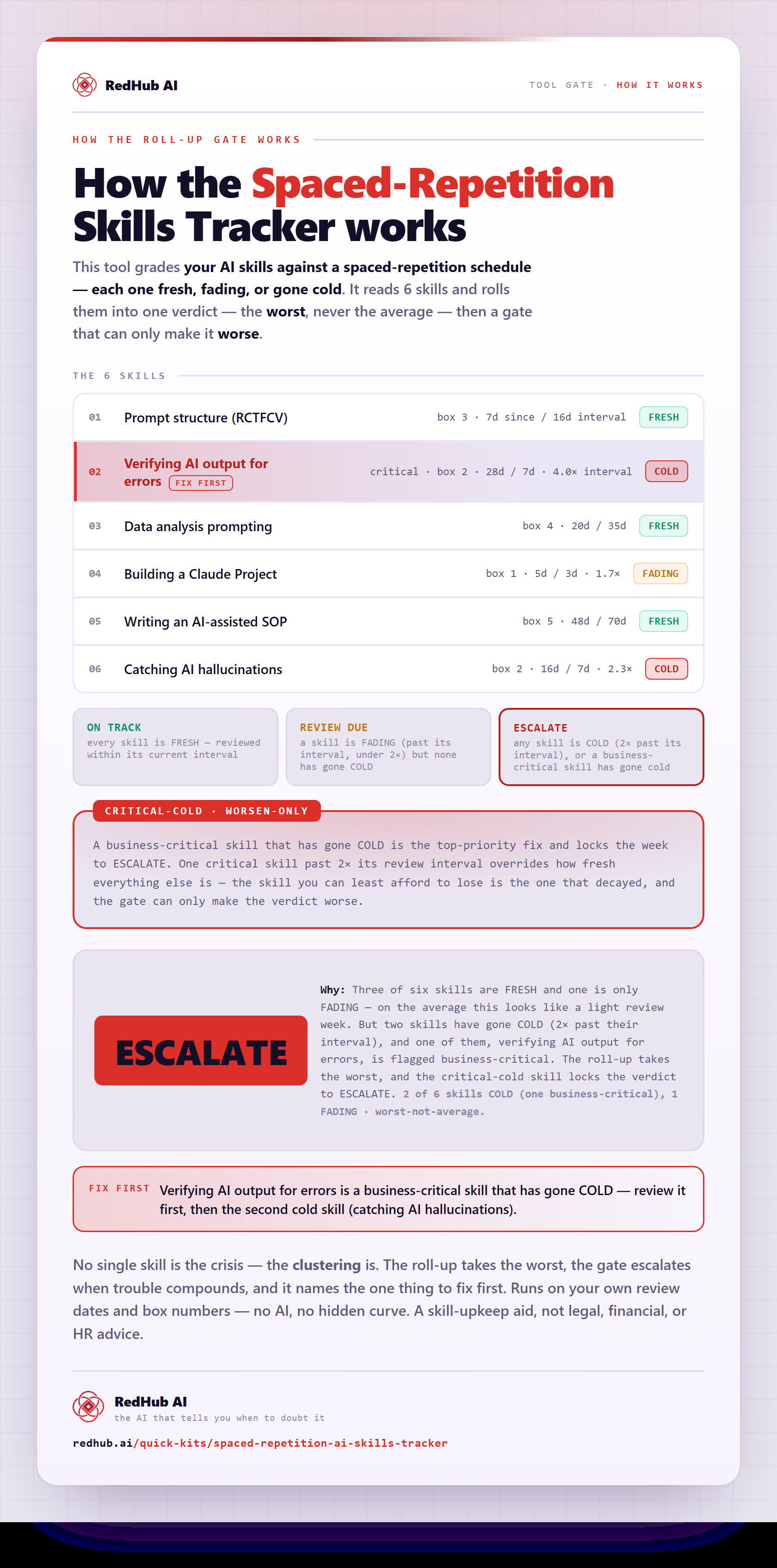
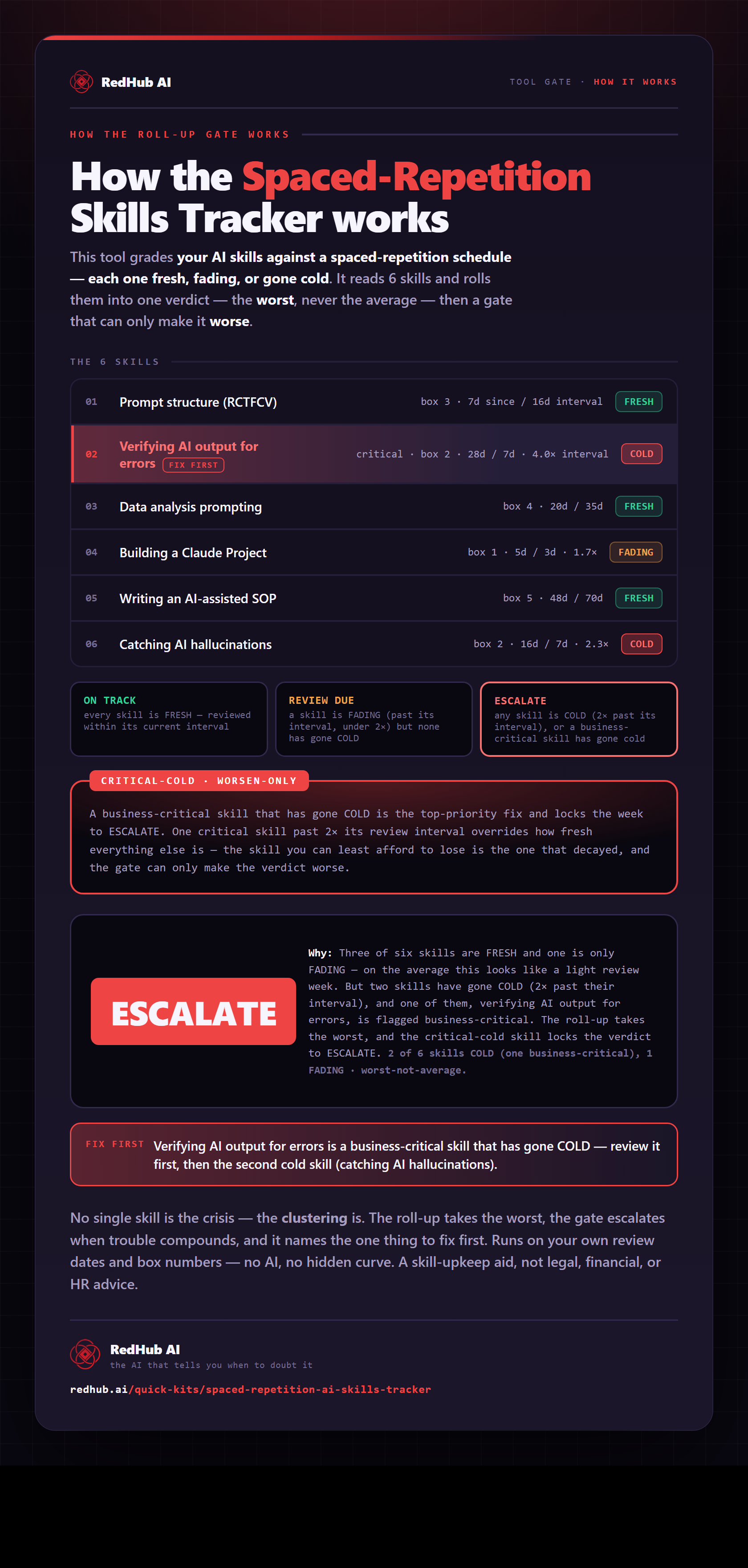
How the gate works, in one image
How the Spaced-Repetition AI Skills Tracker rolls your skills up to the worst and reads ESCALATE when any skill goes cold, with a critical one named ahead of the rest — the same math the demo runs, as a diagram you can share or embed anywhere.
View & embed the full diagramThe standard
Every verdict comes from your own dates — nothing invented.
Freshness is days-since-review against the skill's own interval. The kit reads what you enter; there's no hidden forgetting curve beyond the Leitner intervals you can see in the workbook.
The eval date is a cell you set, never =TODAY(). A saved file reproduces the same verdicts forever, and you choose which day you're grading against.
A US-style date, a blank date, a future date, or a bad box shows as INVALID DATE — surfaced, not silently misread. An unread row is never counted as fresh: with nothing FADING or COLD, the week reads CHECK DATES, not ON TRACK. It tracks skills; it never scores or ranks people.
How it works
Boxes expand, the clock runs, the gate guards.
Put each skill in a Leitner box 1-5. New or shaky goes in box 1 (due every 3 days); well-drilled goes in box 5 (due every 70). A good review bumps it up a box; a lapse should drop it down.
Enter the last-reviewed date as YYYY-MM-DD. The tracker measures days since against the box interval: FRESH while days since are under it, FADING from the due day, COLD at twice the interval.
Mark the skills you can't afford to lose. Any COLD skill makes the week ESCALATE — a strong week can't paper over one skill you've let slide. When the COLD skill is a critical one, the gate fires and the Dashboard names it ahead of any other.
The Dashboard names the one skill to review first where a review is due, and the batch verdict. Review it, update the date, bump the box if it went well — and the gate releases.
What you'll see
Three states per skill, one verdict for the week.
Fewer days since review than its interval. When every row is read and fresh, the week is ON TRACK — nothing due.
On or past its due day, but under twice its interval. With nothing COLD, the week is REVIEW DUE — schedule it before it goes cold.
At or past twice its interval — badly lapsed. Any COLD skill makes the week ESCALATE; a critical one also fires the gate.
Who it's for
Anyone building real AI skills they don't want to lose.
- You've done the courses and want the skills to actually stick.
- You maintain a handful of AI workflows you can't afford to get rusty at.
- You like a simple, honest spreadsheet over an app that nags you.
- Scoring or ranking employees — it tracks skills, not people.
- Certifying competence; it measures freshness, not mastery.
- Anyone wanting an automated LMS — this is one deliberate .xlsx.
A personal upkeep tracker for individual development. It reads the dates and boxes you enter — nothing is uploaded and no AI runs. Pairs with the AI-First SOP Engine (turn a fresh skill into a documented workflow), the AI Data Analysis Starter Kit (a concrete skill worth keeping sharp), and the AI Literacy & Workforce Training Kit (the program-level companion). Not legal, financial, or HR advice.
Common questions
Answers before you buy.
Get the kit
Keep the skills you worked to build.
- One .xlsx — Start Here, Dashboard, Tracker.
- FRESH / FADING / COLD per skill, ESCALATE when any skill goes COLD.
- Holds six skills, with a worked example ready to overwrite. Yours to keep.
Sold by RedHub AI LLC · Secured by Stripe · redhub.ai