Tool Gate · How it works
How the Test-Mode / Live-Mode Line-Up gate works
How the Test-Mode / Live-Mode Line-Up rolls ten services into one verdict: a nominal-separation gate treats two modes behind one account as no separation at all - the sample reads WIRES CROSSED.
How the gate works
This tool grades each service on whether your development and production wires are genuinely separate. It reads 10 services and rolls them into one verdict — the worst, never the average — and then a gate that can only make it worse.
The 10 services
| Service | Verdict |
|---|---|
| S-01 · Your database | SEPARATEDdev → test · prod → live · separate accounts |
| S-02 · Payments | DEV ON LIVEtwo modes, but one account behind both |
| S-03 · Sending email | DEV ON LIVEdev points straight at live |
| S-04 · File and image storage | PROD ON TESTproduction is still pointed at the sandbox |
| S-05 · Your domain and DNS | NO SEPARATE MODESno test mode exists to get wrong |
| S-06 · Sign-in redirect addresses | SEPARATEDdev → test · prod → live · separate accounts |
| S-07 · The AI provider your app callsfix first | DEV ON LIVEdev target not found |
| S-08 · Website analytics | NO SEPARATE MODESno test mode exists to get wrong |
| S-09 · Background jobs and queues | DEV ON LIVEshared-account answer could not be found |
| S-10 · Text messages and push | PROD ON TESTproduction is still pointed at the sandbox |
The verdict bands
Two modes behind one account is DEV ON LIVE however carefully the keys are labelled. A test key and a live key that bill, send, and write to the same account are one wire with two names — the separation is nominal, and the gate treats it as no separation at all.
In the worked sample it reads WIRES CROSSED — Four of ten services let development reach live. Only one of them points at live outright — the rest are subtler: payments has two proper modes sitting behind a single account, and two more had an answer nobody could find. Two services are pointed the harmless way round, at a sandbox in production. Two have no test mode at all and never count against you. Marked fix first on this sample: S-07, the AI provider your app calls — where development points could not be found, so it resolves to live.
Common questions
Can every service look survivable on the Test-Mode / Live-Mode Line-Up gate and the company still read WIRES CROSSED?
Yes. The roll-up takes the worst of 10 services — never the average — then a worsen-only gate, the Nominal separation gate, escalates when trouble clusters. In the worked sample it reads WIRES CROSSED because four of ten services let development reach live. Only one of them points at live outright — the rest are subtler: payments has two proper modes sitting behind a single account, and two more had an answer nobody could find. Two services are pointed the harmless way round, at a sandbox in production. Two have no test mode at all and never count against you.
What is a worsen-only gate?
A rule that can only lower a verdict, never raise it. One gate-triggering gap overrides an otherwise-set of survivable lines, because a single gate-triggering gap shouldn't hide behind an average of the healthy ones. Where something is short, the fix-first row names it — here, "S-07, the AI provider your app calls — where development points could not be found, so it resolves to live".
Grades how environments are wired, never a person. Not a scanner — it reads back what you tell it, using rules you can see.
Embed this diagram
Free to share and embed with attribution (CC BY 4.0) — keep the link to redhub.ai.
Interactive — renders the live diagram
<iframe src="https://redhub.ai/visuals/tool/test-mode-live-mode-line-up.html" title="How the Test-Mode / Live-Mode Line-Up gate works — RedHub AI" width="760" height="2171" loading="lazy" style="border:0;width:100%;max-width:760px"></iframe>
<p style="font:14px/1.5 system-ui,sans-serif"><a href="https://redhub.ai/visuals/tool/test-mode-live-mode-line-up">How the Test-Mode / Live-Mode Line-Up gate works</a> — by <a href="https://redhub.ai">RedHub AI</a>, the AI that tells you when to doubt it.</p>
Image + link — a static picture for any blog
<a href="https://redhub.ai/visuals/tool/test-mode-live-mode-line-up"><img src="https://redhub.ai/visuals/tool/test-mode-live-mode-line-up-share.png" alt="Diagram of the Test-Mode / Live-Mode Line-Up: ten services, a nominal-separation gate, and a sample reading WIRES CROSSED." width="760" loading="lazy" style="max-width:100%;height:auto;border-radius:16px"></a>
<p style="font:14px/1.5 system-ui,sans-serif"><a href="https://redhub.ai">RedHub AI</a> — the AI that tells you when to doubt it.</p>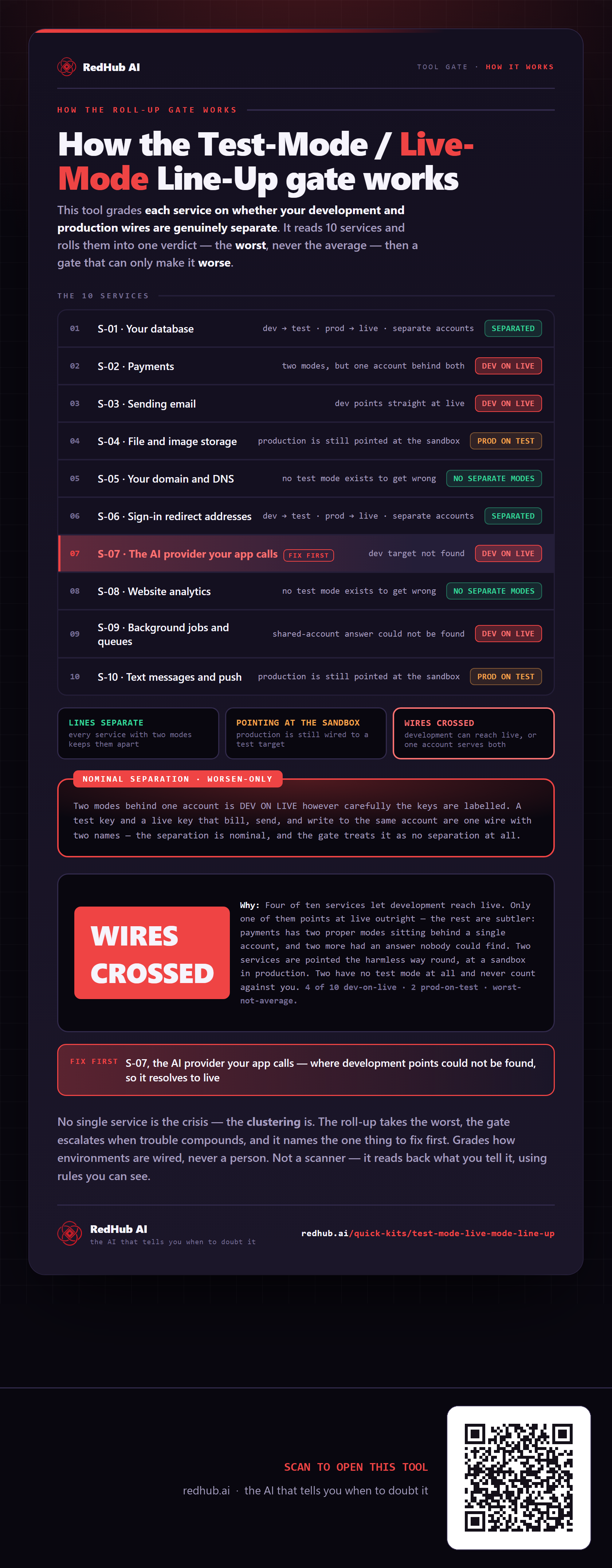
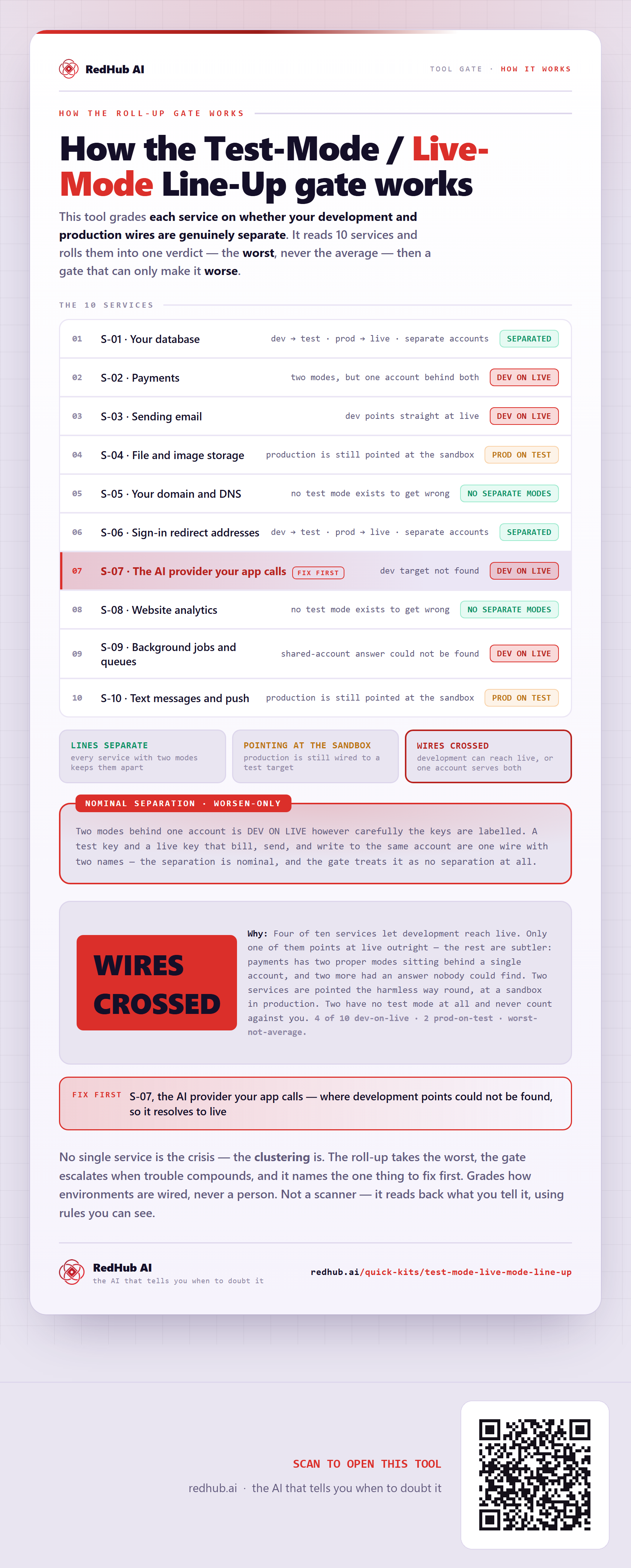
This is how Test-Mode / Live-Mode Line-Up works. More diagrams in the Visual Field Guide.